Retentive for web & desktop
The big-screen view of everything you know.
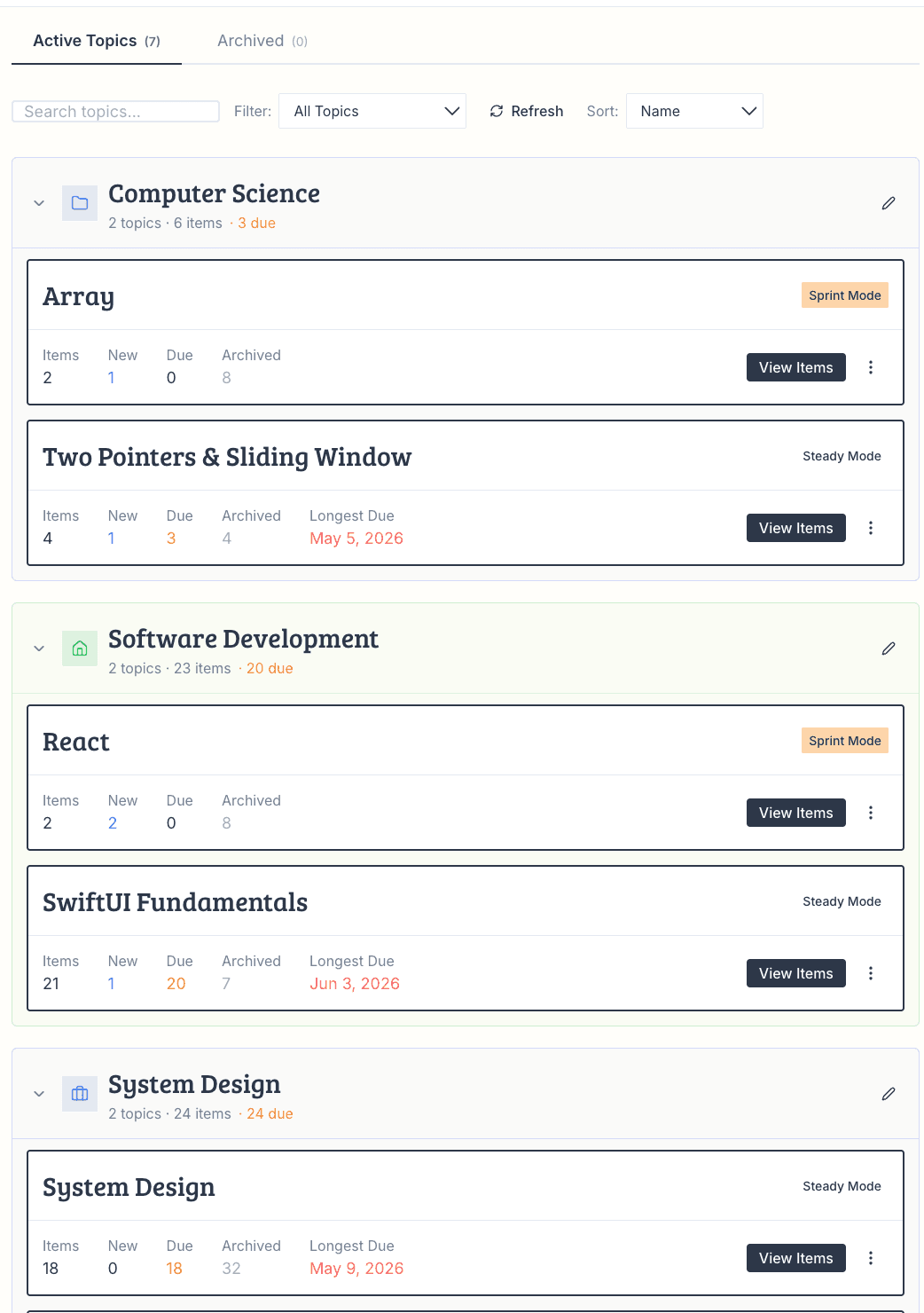
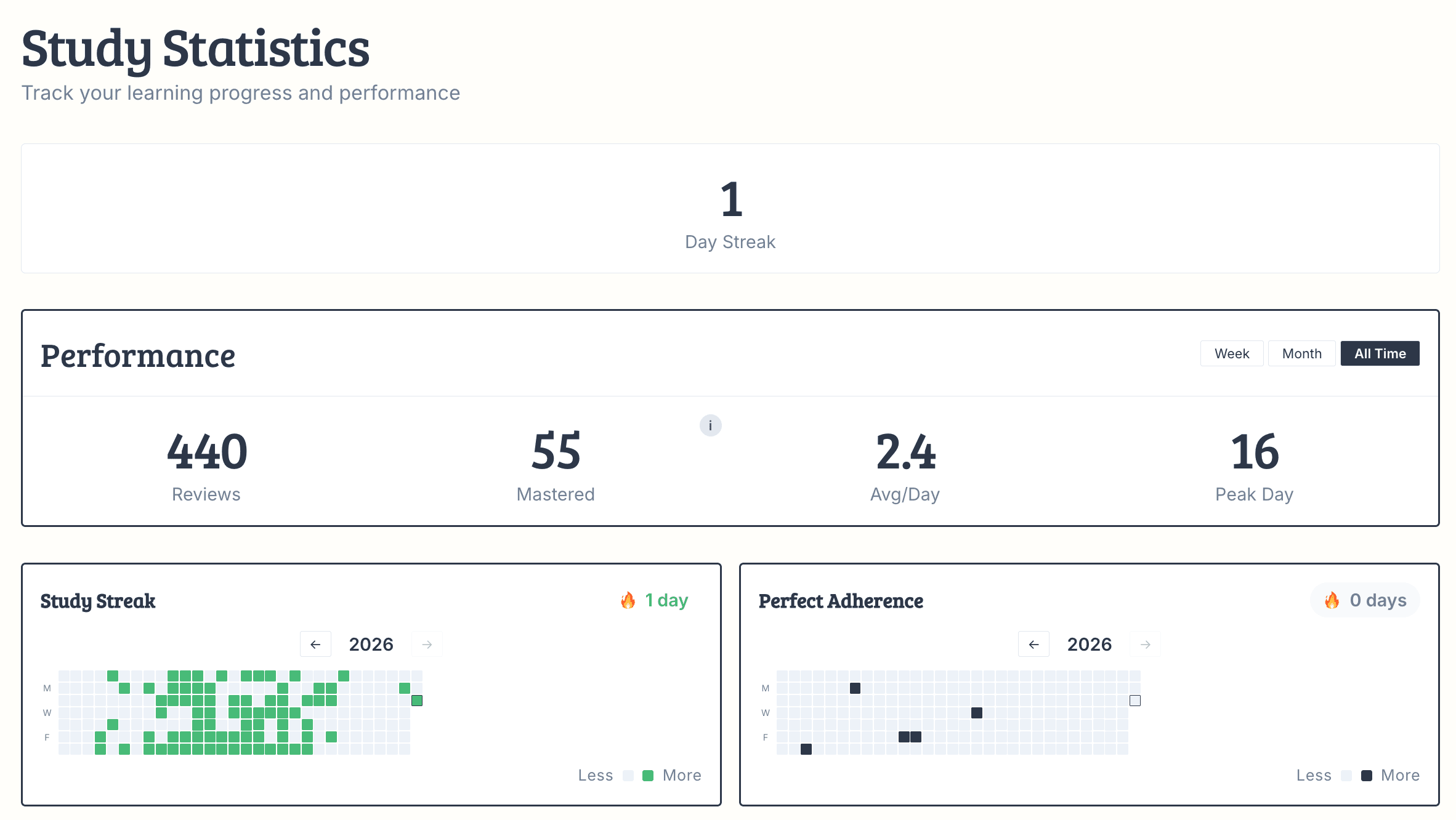
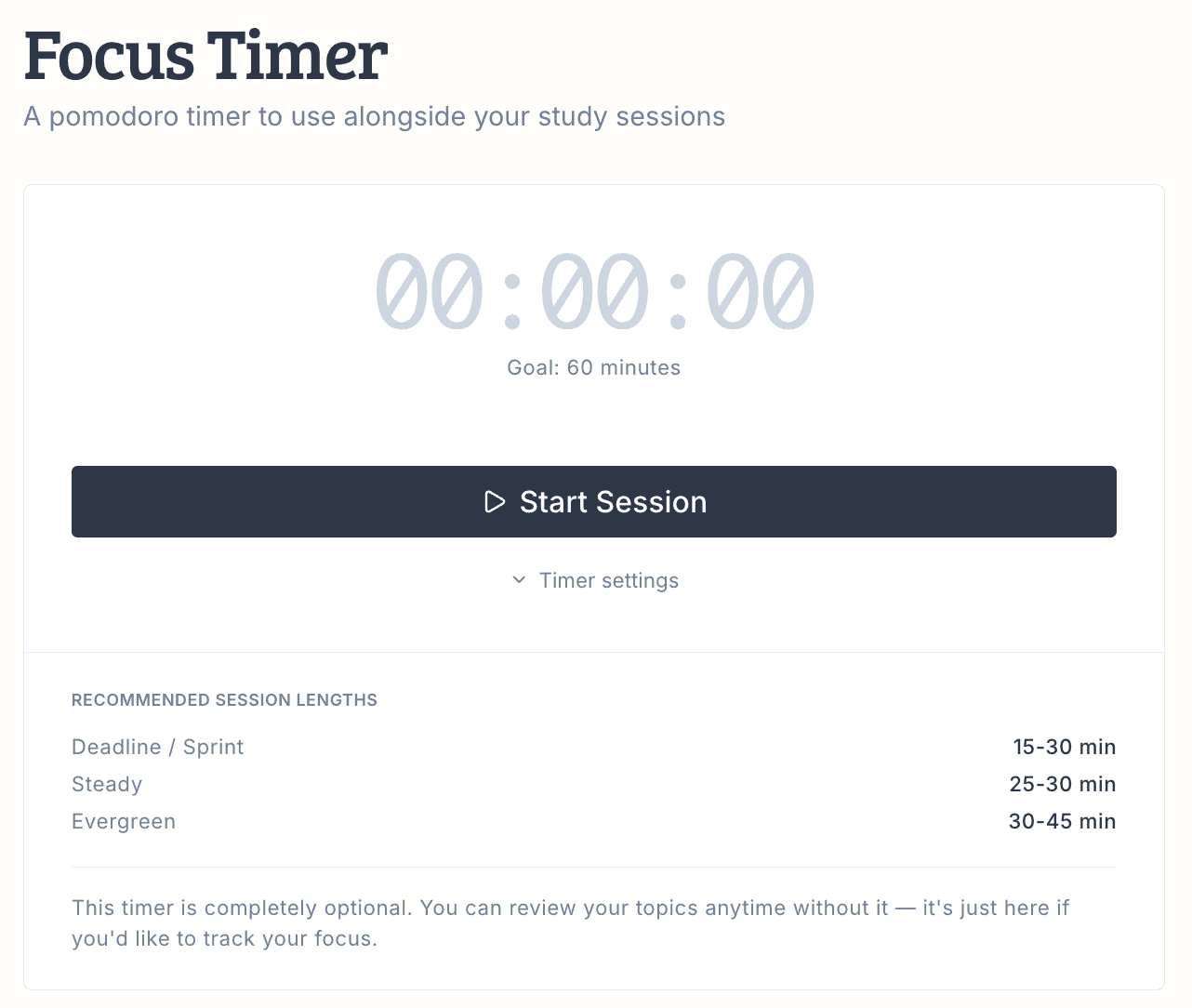
The same scheduler, with room to think — dashboards, stats, and streaks laid out on a screen made for planning your semester, not just surviving today.
Open Web App ↗30 days free · no card needed
How it works — effortlessly
You don’t need to study harder. You just need to review at the right time.
Step 1
Drop In What You’re Learning
Create a topic and add what you need to remember — like “Arrays - Two Sum” or “Japanese Verb Conjugation.” Your actual notes and materials stay wherever they already are.
Step 2
Hit Study
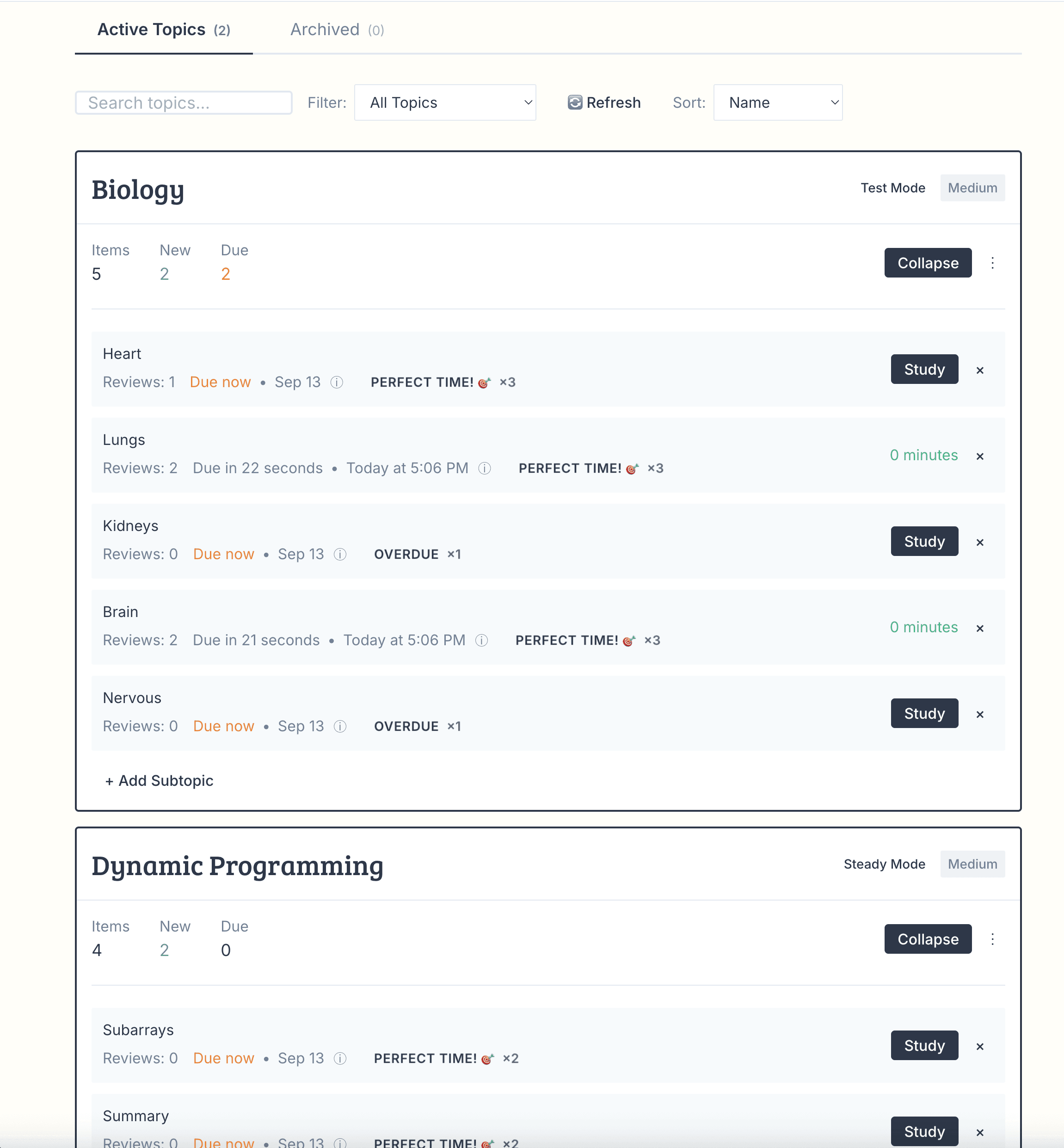
When items are due, hit Study. Open your notes, textbook, or slides and read through the flagged items. No quizzing, no pressure — just a quick read-through.
Step 3
Wait for the Next Review
Retentive calculates the exact moment each memory starts to fade and schedules your next review. You never wonder what to study or when.
Step 4
Review Again When It’s Time
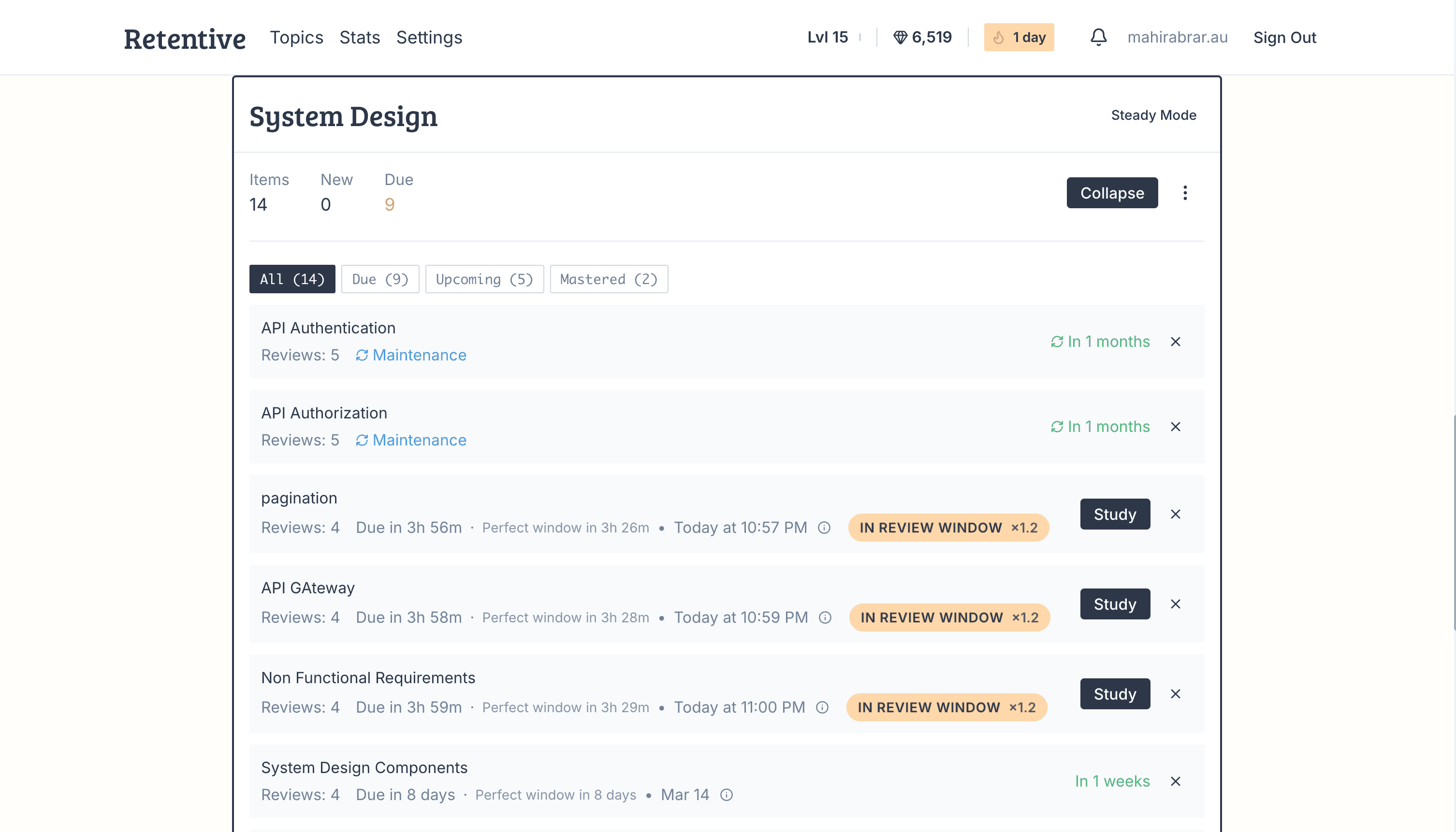
When the app tells you it’s time, review the items again. Review an item 5 times to master it — after that, the intervals get longer and longer.
Step 5
Archive, Maintain & Master
Items move through stages — from In Review to Maintenance to Mastery. Archive what you’re done with and watch your mastered items grow.
1
2
3
4
5
Made for the long game
See your whole memory at once.
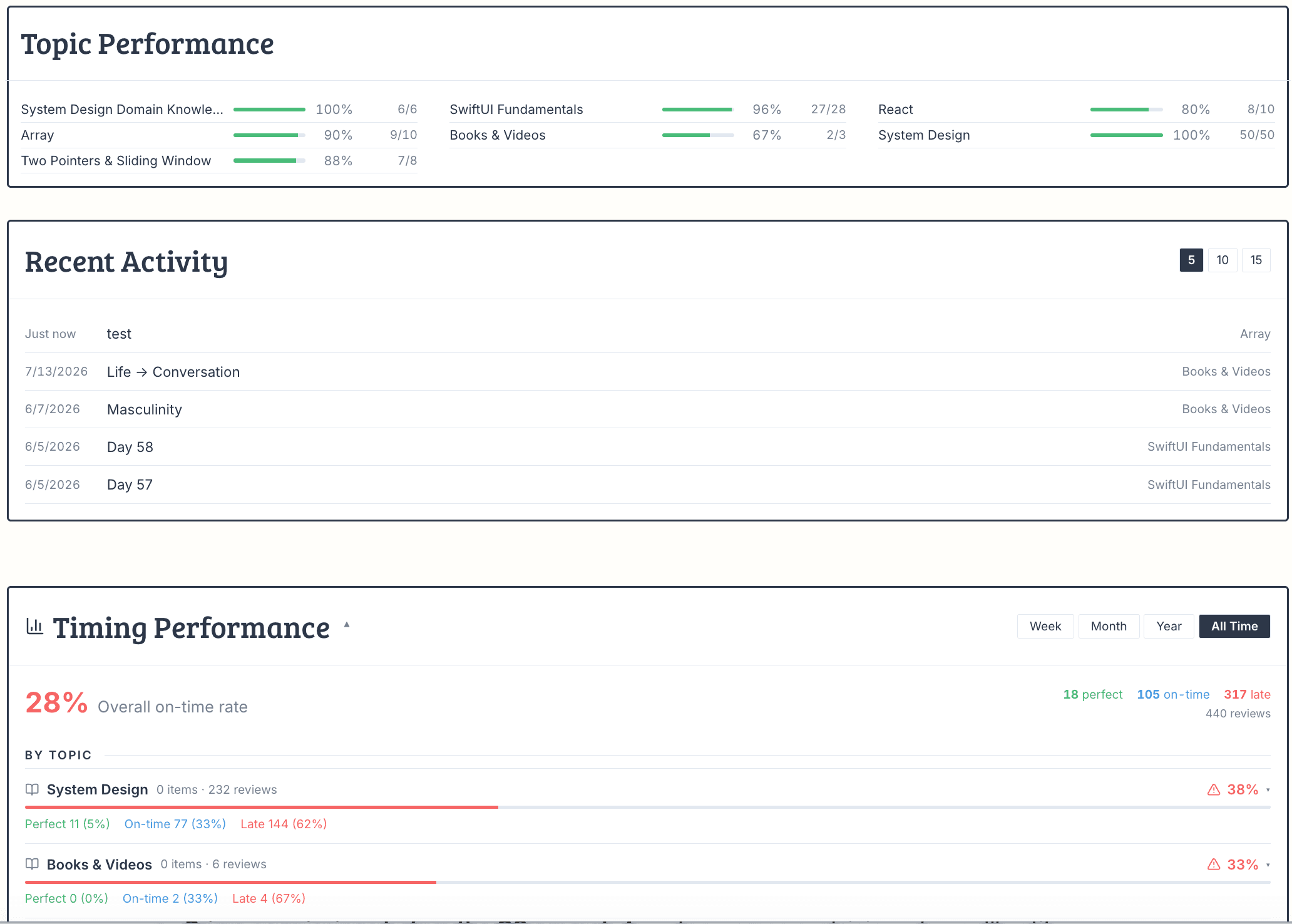
A phone shows you today. A desktop shows you the semester — what’s solid, what’s slipping, and what tomorrow looks like before it arrives.
Pricing
30 days free. Then less than a coffee.
Full access from day one — no card until you’ve decided it works.
Monthly
$5 /month
Cancel anytime.
Quarterlysave 20%
$12 /3 months
$4 a month, one semester at a time.
Half-yearlysave 50%
$15 /6 months
$2.50 a month. The whole year, both semesters.
Trial ran out mid-semester? Email me and I’ll extend it. I’m one developer — I’d rather you remember your material than churn.
Not sure about paying? The iOS app is free to use →
Your next exam is closer
than your last review.
Start the trial now — the schedule does the rest.
30 days free · no card needed · or get it on iPhone